

About Coze
Coze (扣子) is a no-code AI application development platform by ByteDance. It lets anyone — regardless of coding experience — rapidly build chatbots, AI agents, and plugins, then deploy them across social and messaging platforms. The SoMark plugin is available in the Coze plugin store and brings powerful document parsing capabilities to your agents and workflows.Adding SoMark to an Agent
Create an agent
Go to your workspace, click Project Development → + Project (top right) → Create Agent.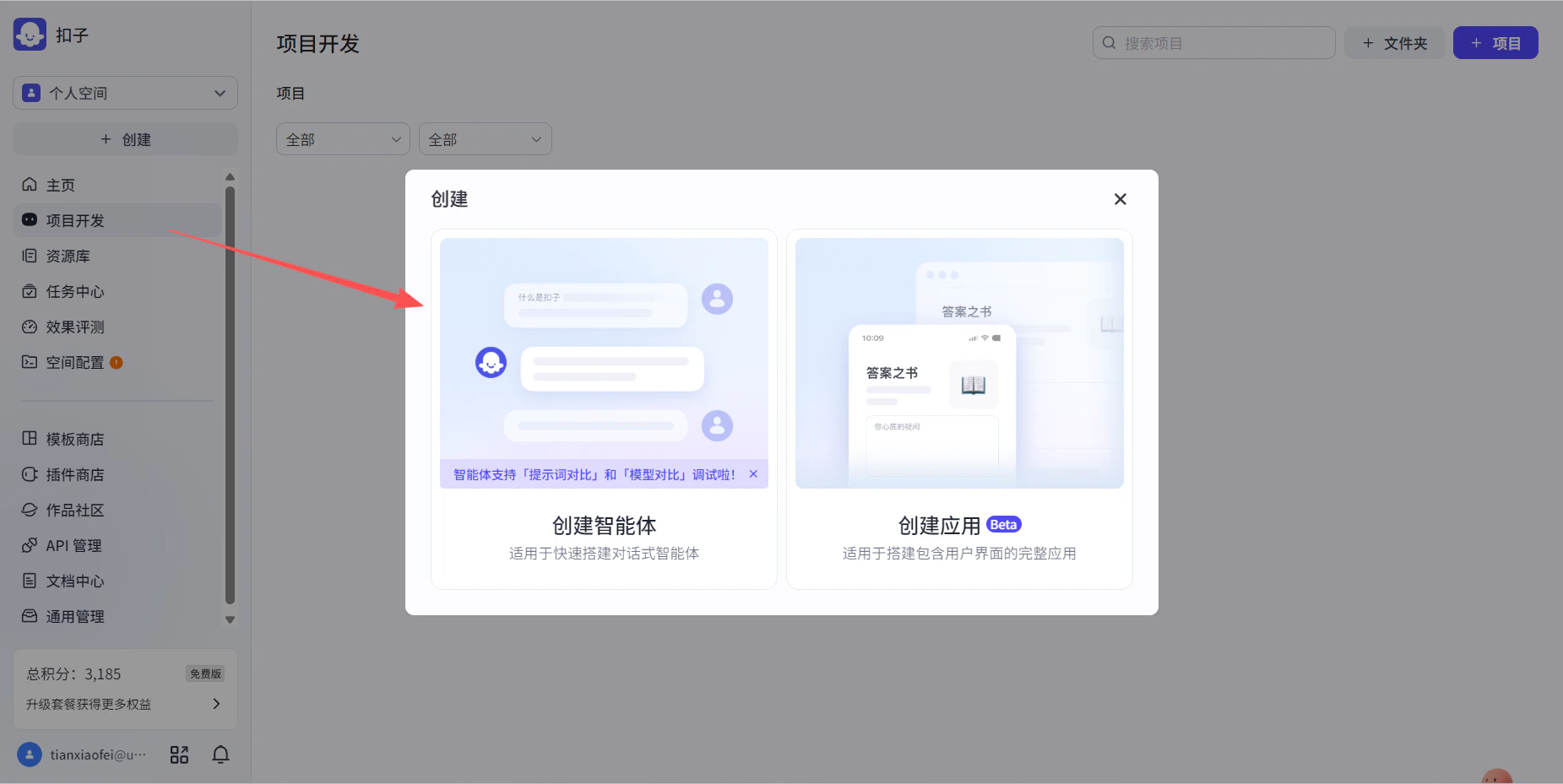
Add the SoMark plugin
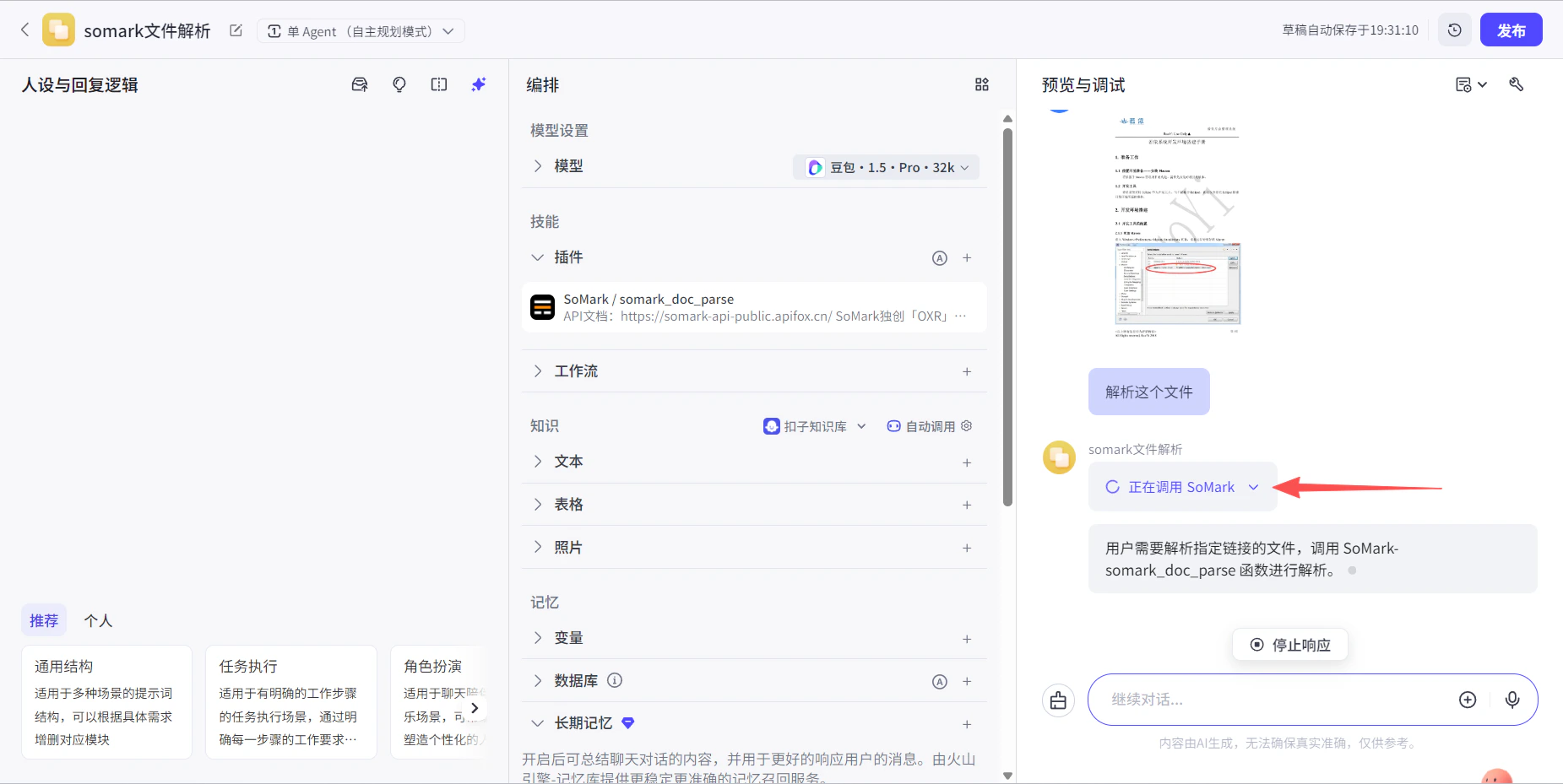
In the agent editor, locate the Skills section and click to add a plugin.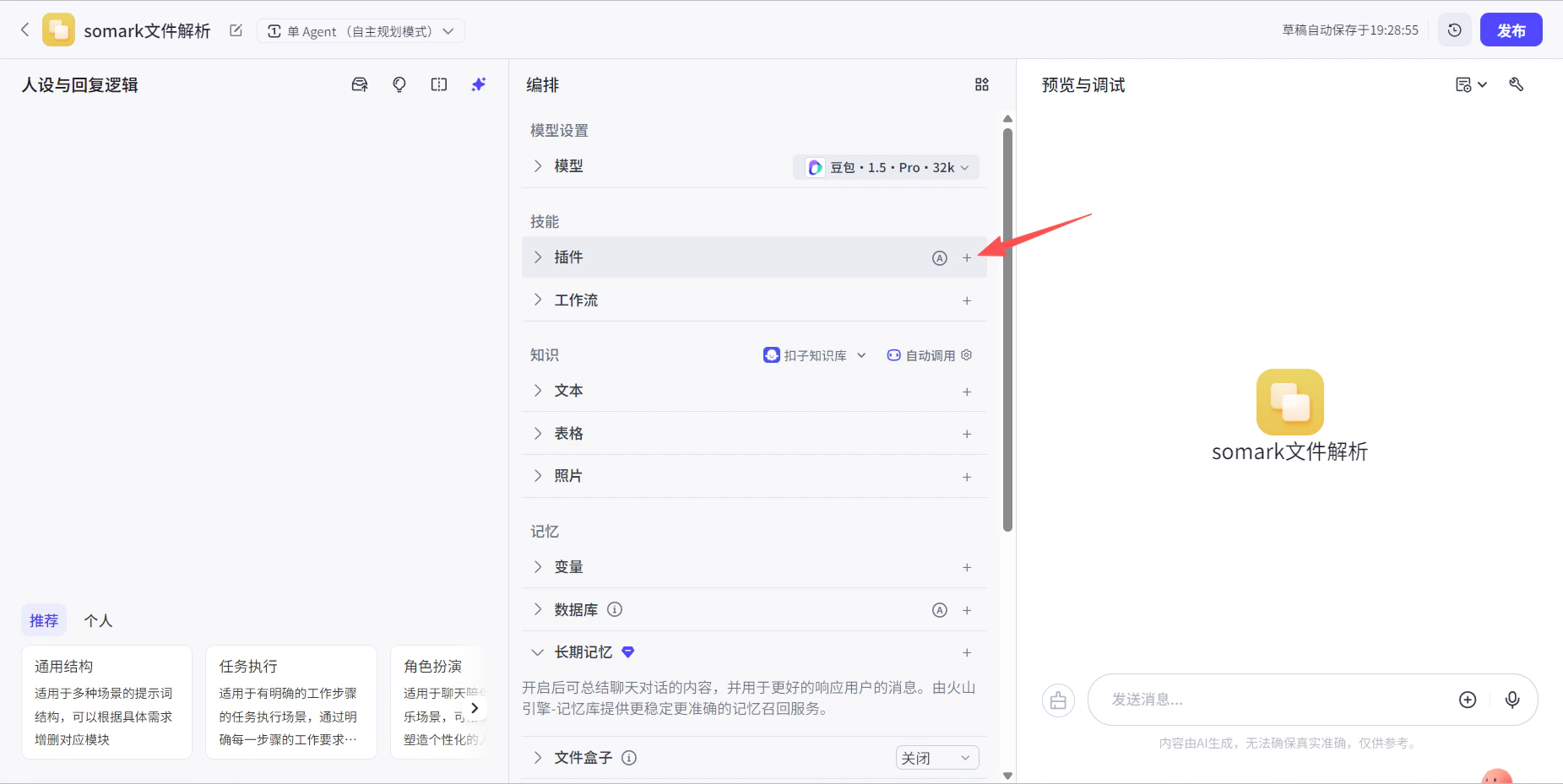
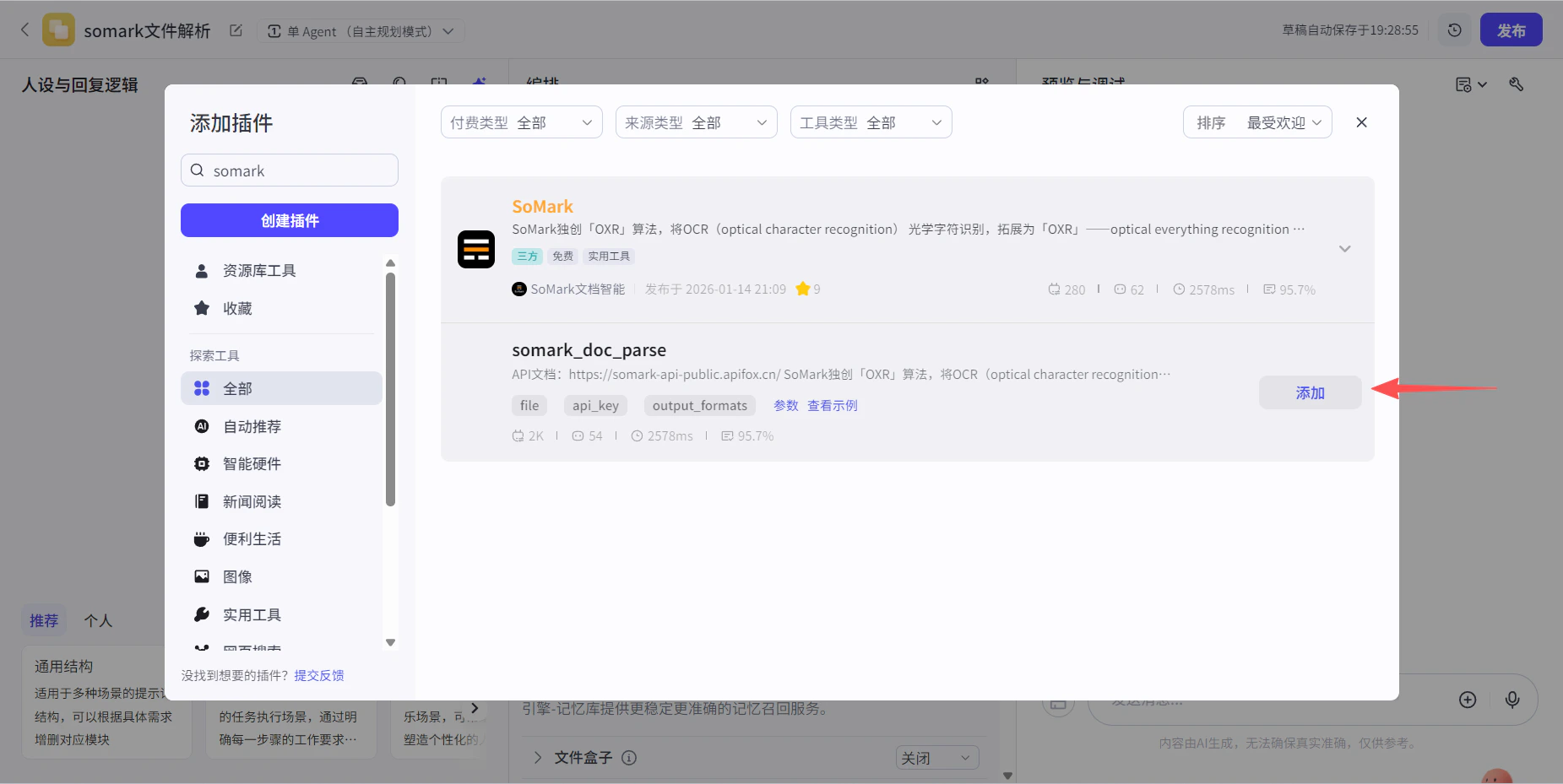
Configure the API Key
In the plugin parameter editor, enter your SoMark API Key.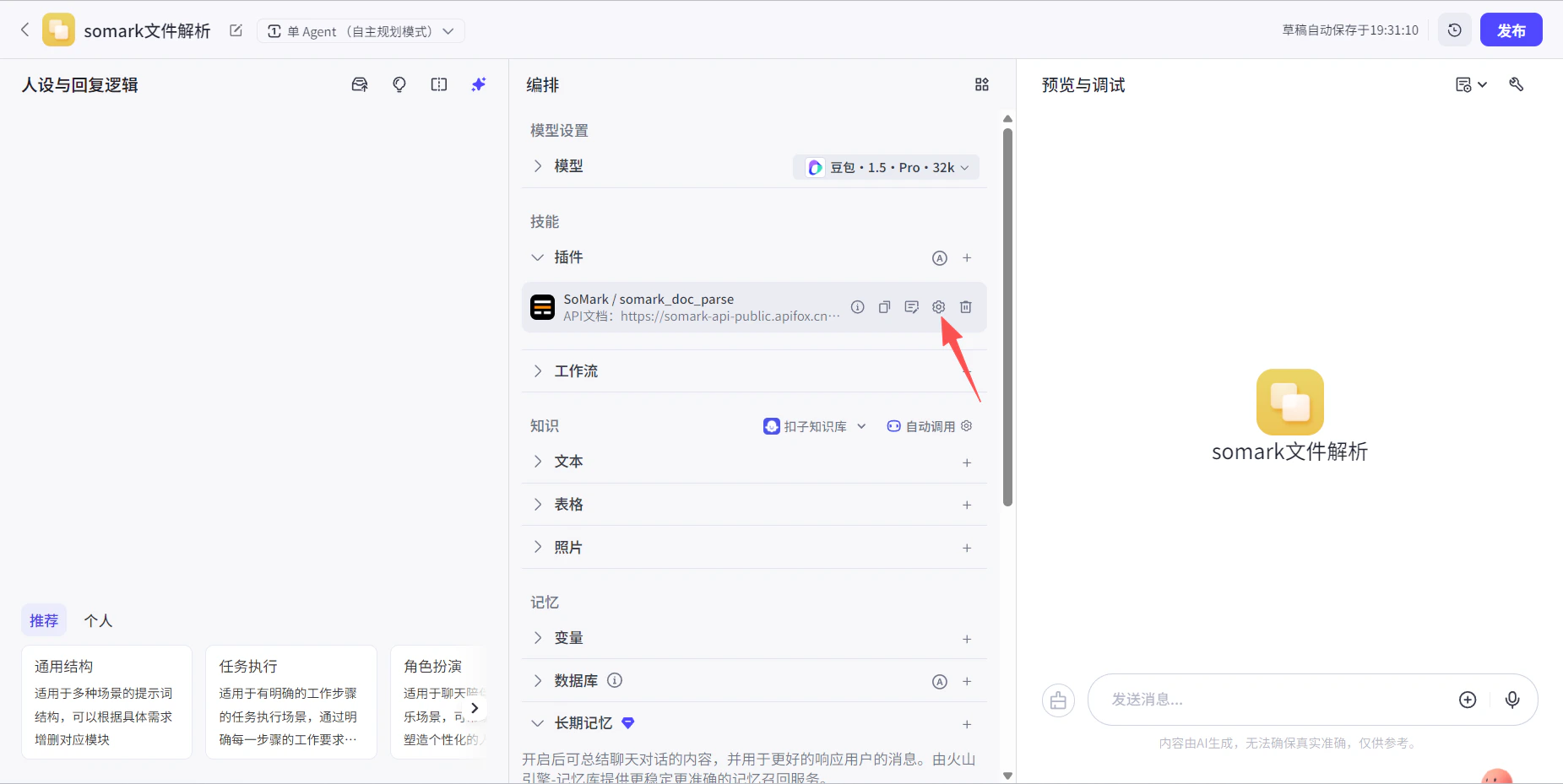
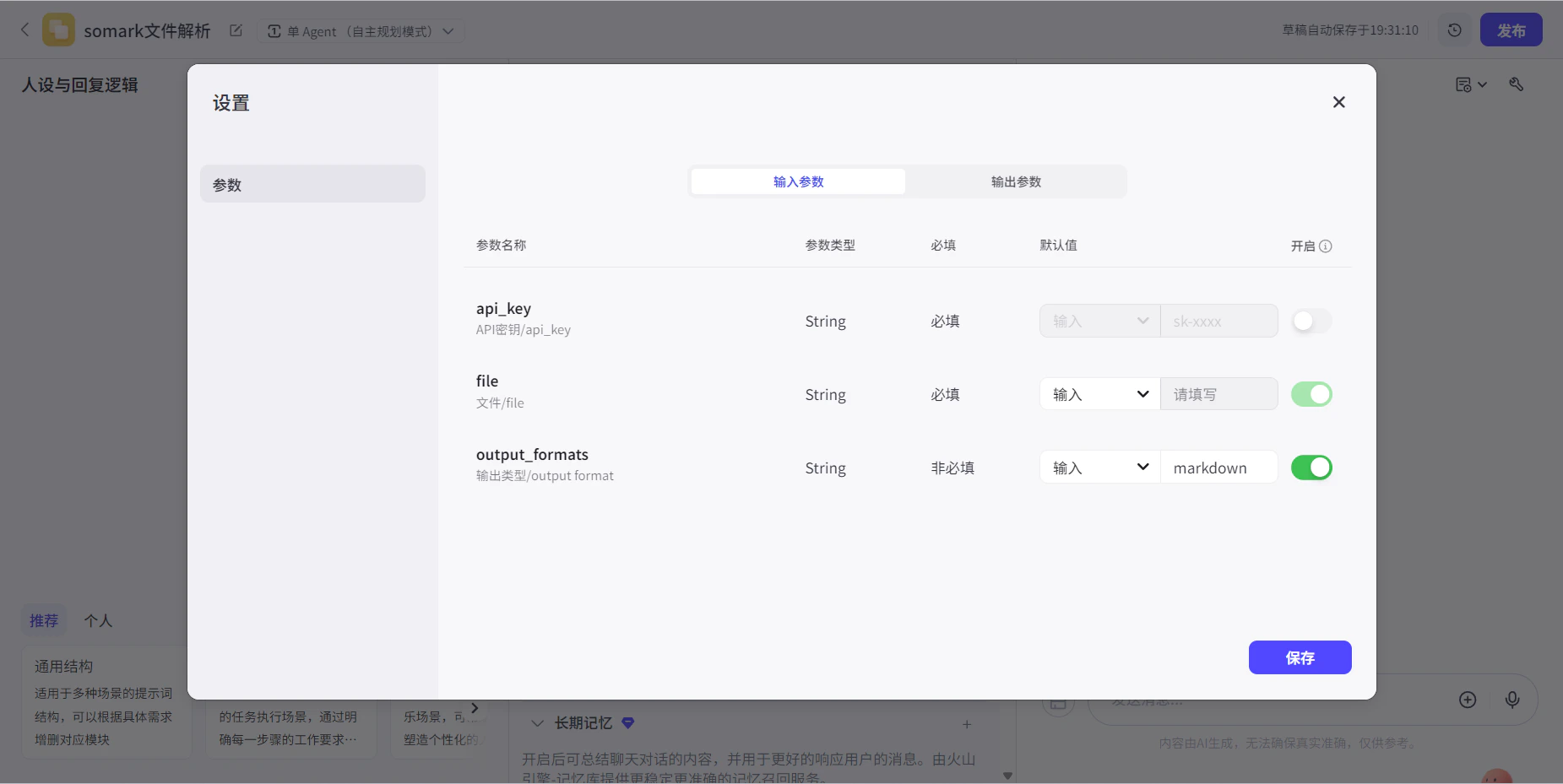
No API Key yet? Get 1,000 free pages at the SoMark workbench
Plugin Parameters
| Parameter | Type | Required | Description |
|---|---|---|---|
file | file | ✅ | File to parse. Supports PDF, Word, PowerPoint, images, and more |
output_formats | string | ❌ | Output format: markdown (default) or json |